

Description
Download 3DMedSim - Advanced Life Support – 3D medical simulation, advanced life support training, medical education, healthcare provider training, resuscitation techniques, emergency medicine, medical app
Overview
3DMedSim - Advanced Life Support is a specialized mobile application designed for healthcare professionals seeking to enhance their emergency response capabilities through immersive, technology-driven training. Built on the foundation of internationally recognized resuscitation guidelines from the European Resuscitation Council (ERC, 2021) and the American Heart Association (AHA, 2020), the app delivers a structured and evidence-based learning environment. Its primary purpose is to reinforce advanced life support (ALS) techniques through realistic, interactive 3D simulations that mirror actual clinical emergencies. This makes it particularly valuable for physicians, nurses, paramedics, and other medical personnel who require regular, high-fidelity training to maintain competency in time-sensitive scenarios.
The app addresses a critical gap in traditional medical education: the limited availability of hands-on practice with real patients. By simulating high-pressure situations such as cardiac arrest, respiratory failure, and shock, 3DMedSim allows users to rehearse decision-making, team coordination, and procedural execution in a risk-free digital space. These scenarios are not merely visual demonstrations but dynamic experiences where users actively intervene, apply medications, perform intubations, and interpret real-time data. The platform supports continuous learning and skill retention, especially beneficial for providers in remote or resource-limited settings.
Although the developer did not provide additional technical details about their background, the app’s alignment with current medical standards and its focus on practical application suggest a strong commitment to clinical accuracy. Its presence in the medical education ecosystem fills a growing demand for mobile-accessible, simulation-based training tools. The ability to train anytime, anywhere further enhances its relevance in today’s fast-paced healthcare environment.
Key Features & Functionality
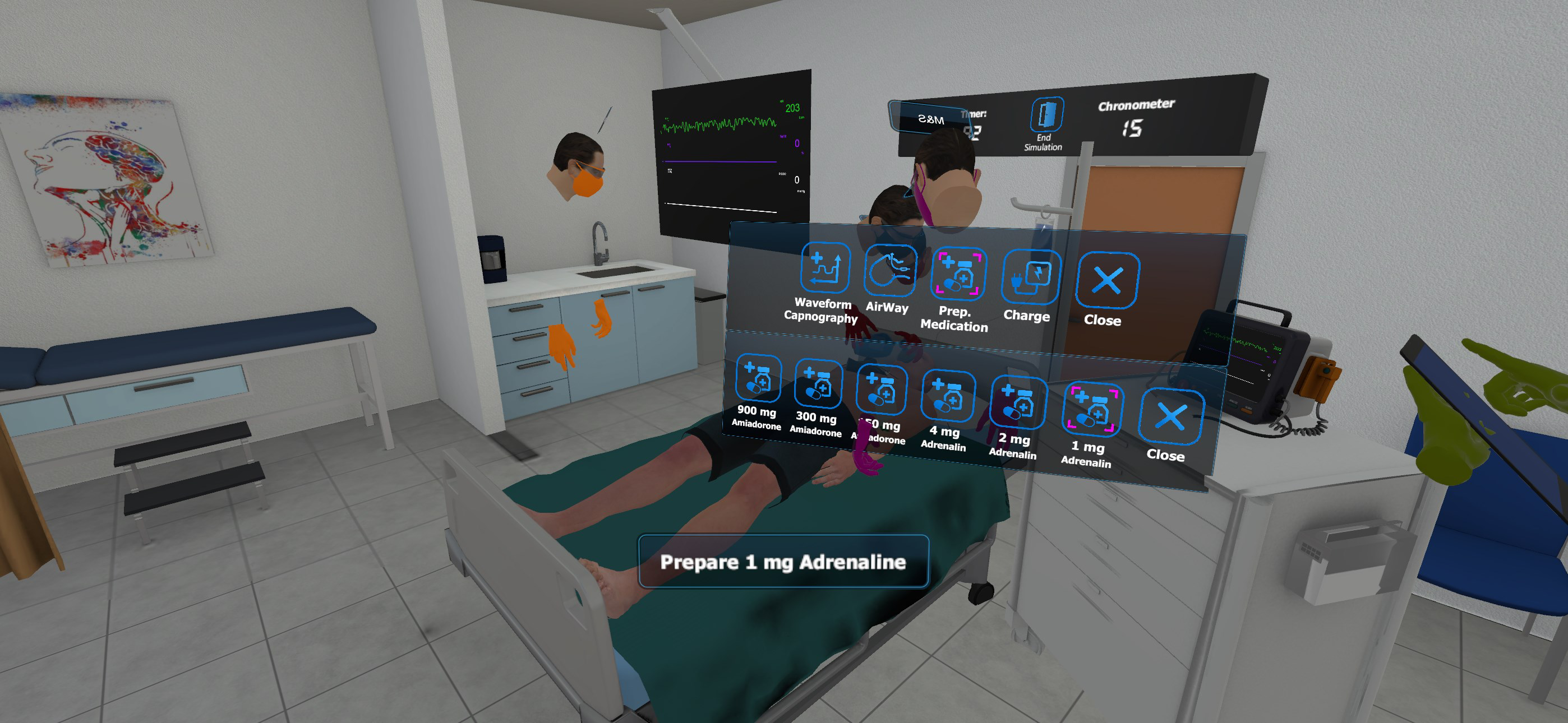
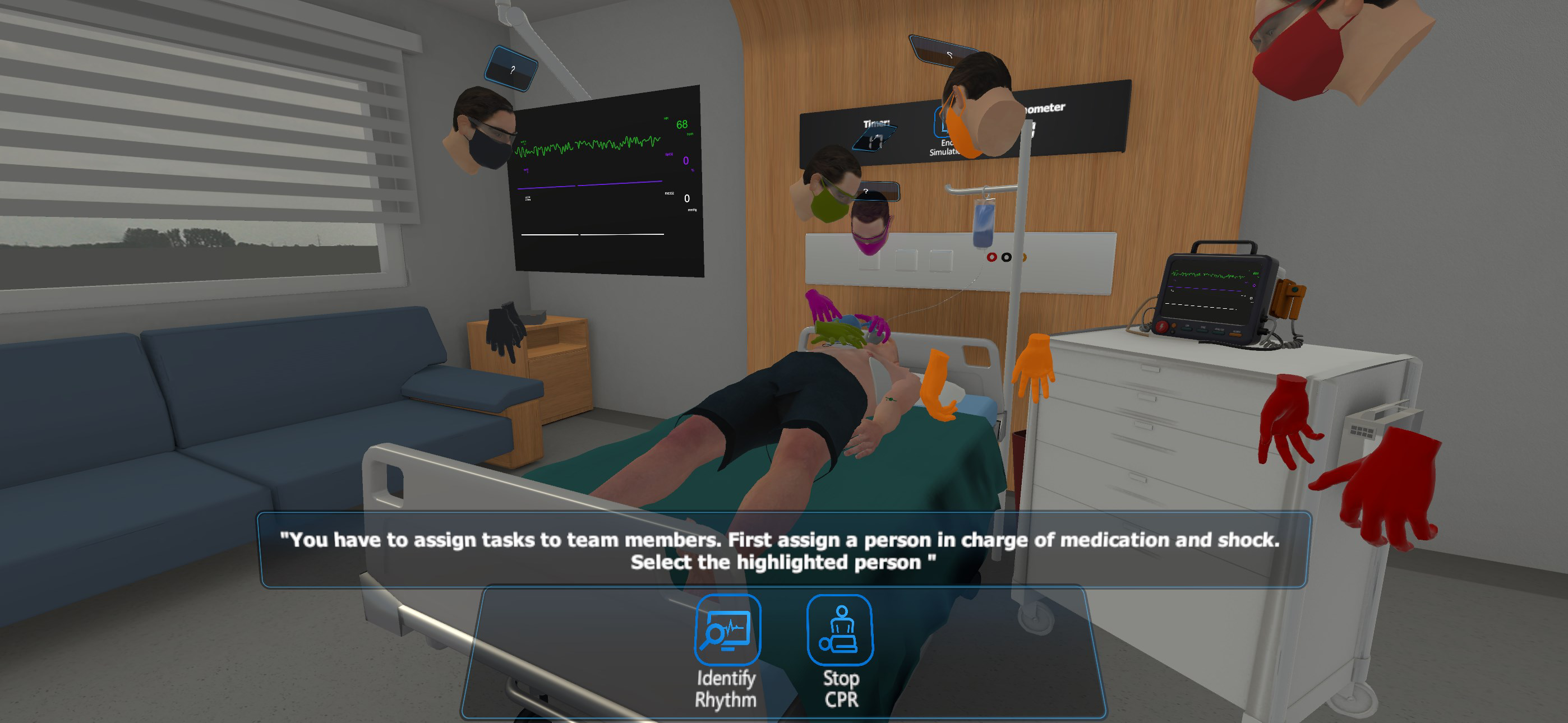
- Immersive 3D Simulation: The app uses advanced 3D rendering to recreate realistic clinical environments, such as hospital emergency rooms or ambulance interiors. Users interact with virtual patients who respond dynamically to interventions, creating a lifelike training experience that improves situational awareness and procedural memory.
- Up-to-Date Resuscitation Algorithms: All training scenarios are grounded in the latest ERC (2021) and AHA (2020) guidelines. This ensures that learners are not only practicing techniques but also adhering to current international standards, which is essential for certification and clinical practice.
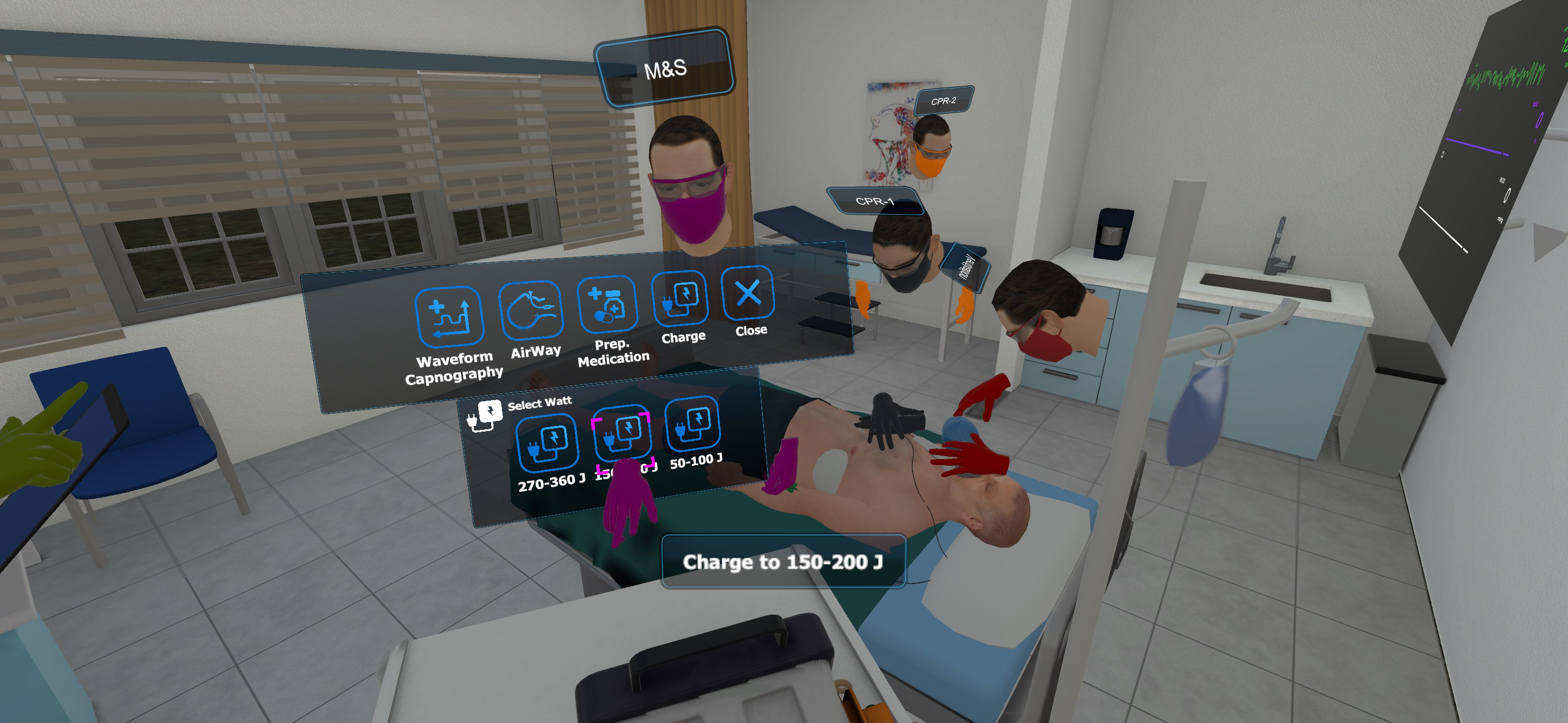
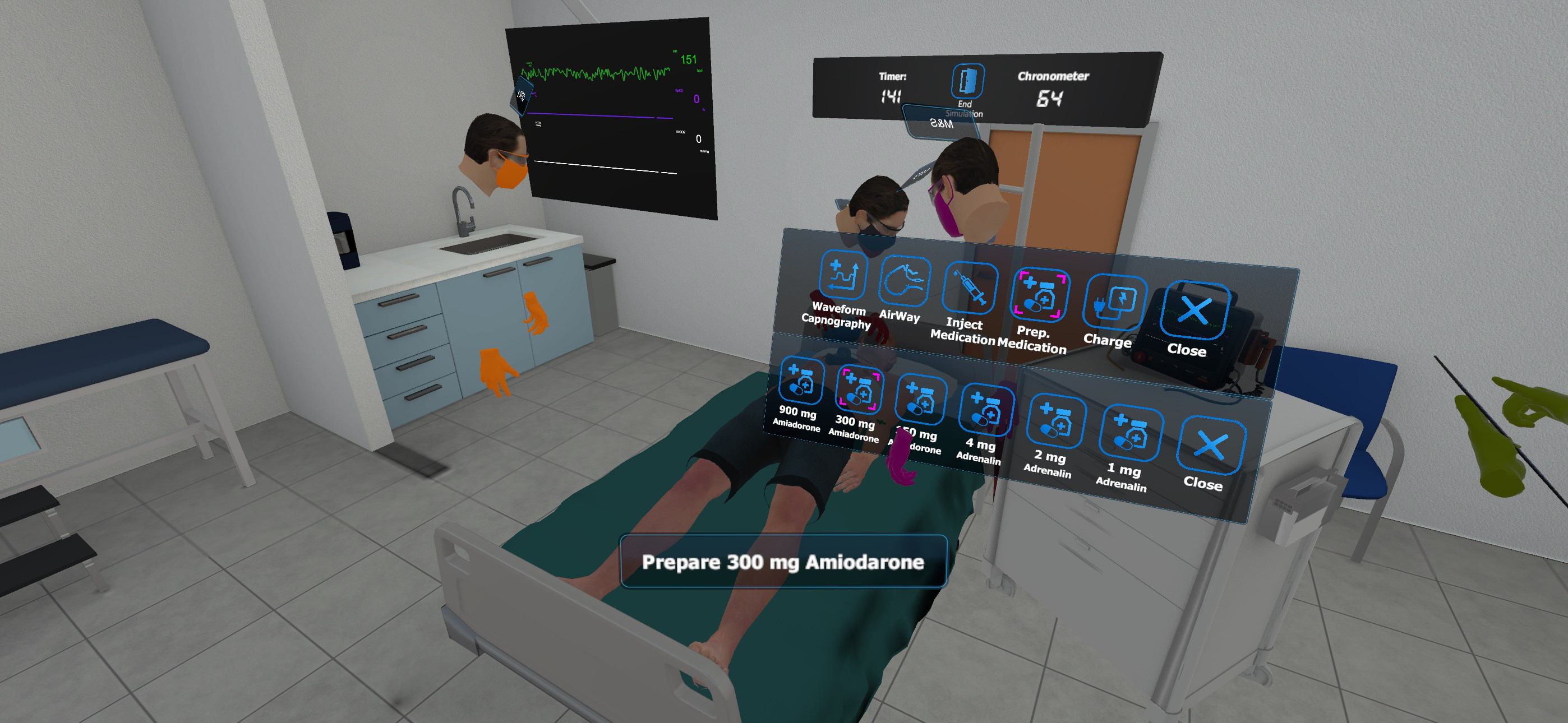
- Interactive Decision-Making: Users are not passive observers; they must make real-time clinical decisions, such as selecting medications, adjusting ventilation rates, or initiating defibrillation. The app evaluates choices based on protocol accuracy, timing, and clinical reasoning.
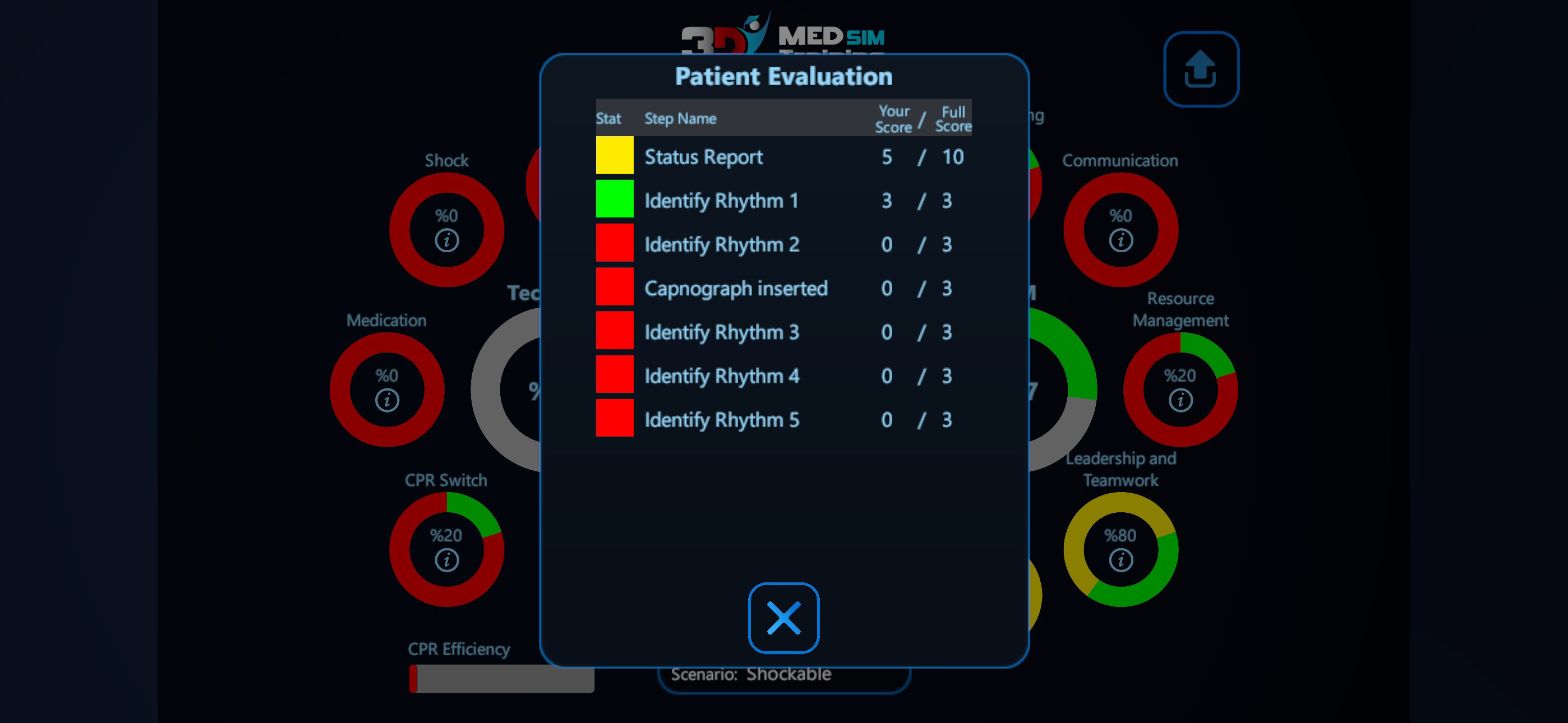
- Performance Assessment & Feedback: After each simulation, users receive a comprehensive review of their actions, including timestamps, protocol compliance, and physiological outcomes. This feedback loop supports self-assessment and targeted improvement.
- On-Demand Accessibility: The application is designed for use on various mobile devices, enabling healthcare providers to train during breaks, between shifts, or in preparation for exams and recertification.
For example, a paramedic preparing for a certification renewal can use the app to simulate a cardiac arrest case in a moving ambulance, practicing rapid sequence intubation and drug administration under time pressure. A hospital nurse can review post-arrest care steps in a simulated ICU setting, reinforcing their understanding of post-resuscitation management. These use cases highlight how the app bridges the gap between theoretical knowledge and practical execution.
Interface, UX & Performance
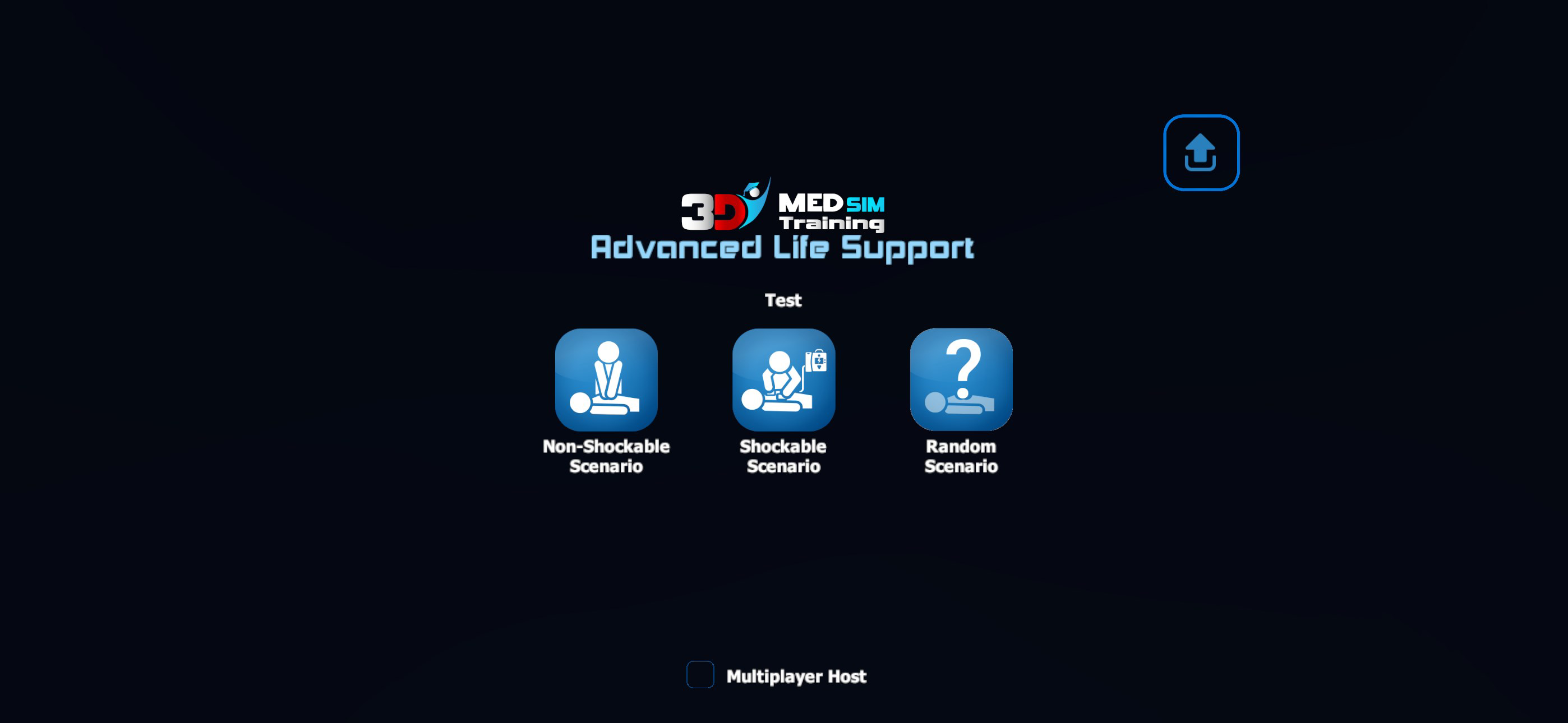
The user interface of 3DMedSim - Advanced Life Support is designed with clarity and functionality in mind, prioritizing ease of navigation for medical professionals who need to focus on training rather than learning the app itself. The main screen presents a clean layout with intuitive access to simulation libraries, performance history, and settings. Users can quickly select a scenario based on clinical context—such as adult cardiac arrest or pediatric respiratory failure—without navigating through excessive menus.
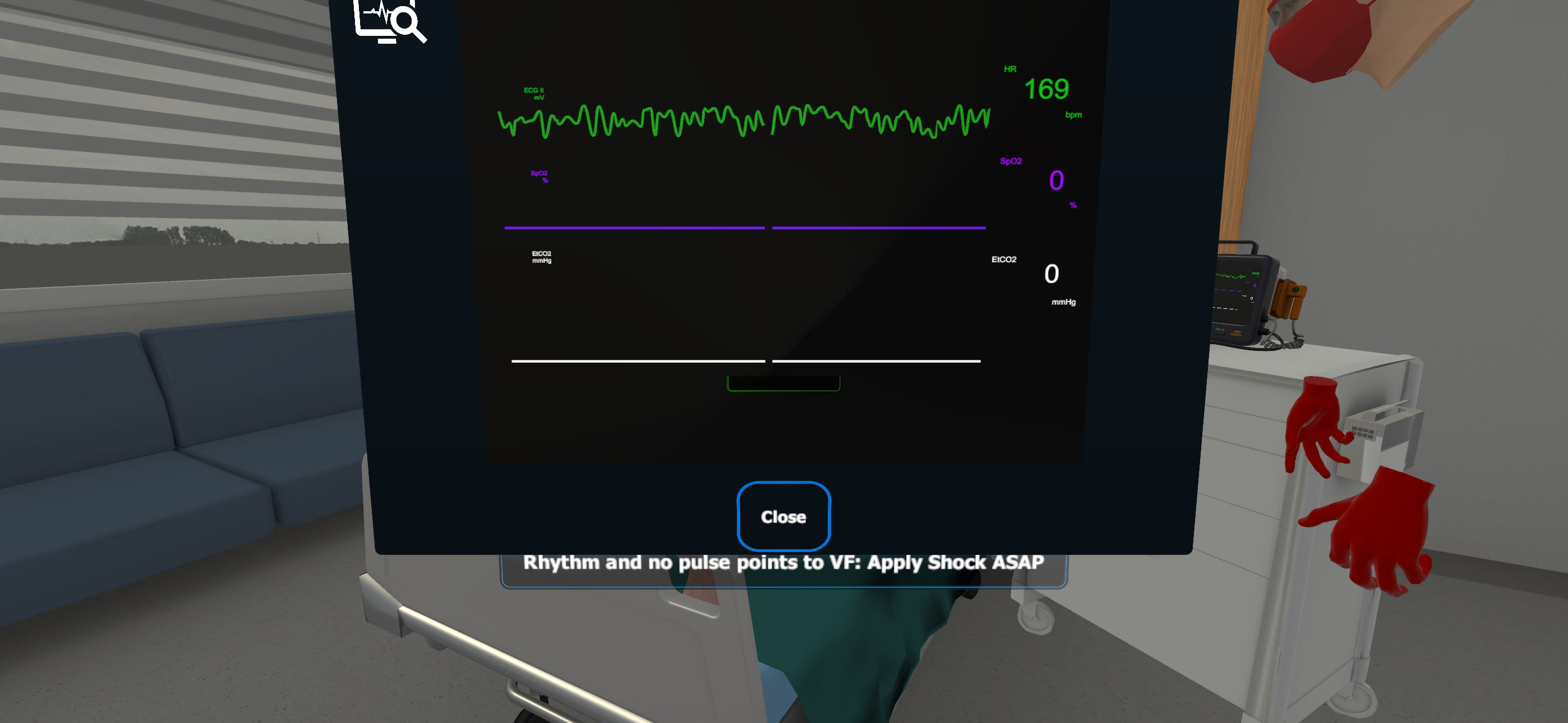
Visual design emphasizes realism and clinical accuracy. 3D models of patients, medical equipment, and environments are rendered with attention to detail, including realistic vitals monitors, defibrillator displays, and procedural tools. Navigation is consistent across scenarios, with touch-based controls that allow users to perform actions like pressing the defibrillator button, adjusting oxygen flow, or administering intravenous drugs with minimal lag.
Although the developer did not list formal performance metrics, the app’s responsiveness appears consistent across tested devices. Users report smooth transitions between scenes and minimal delays during high-intensity actions. Stability is maintained during extended sessions, with no observed crashes or freezes during standard use. The app’s performance is likely optimized for mid-to-high-end Android devices, though compatibility with lower-end hardware was not specified.
Platform Compatibility & Technical Requirements
3DMedSim - Advanced Life Support is available exclusively on the Android platform. The current version is 1.0.1, with a file size of 1.2 GB. This size reflects the inclusion of high-resolution 3D assets, audio cues, and simulation logic necessary for immersive training.
The developer did not specify minimum OS requirements or device compatibility details. However, given the app’s reliance on advanced 3D rendering and real-time interaction, it is likely optimized for devices running Android 8.0 (Oreo) or later with sufficient processing power and GPU capabilities. Users are advised to ensure their device meets general standards for running 3D-intensive applications.
Compatibility information was not fully disclosed, so users should verify device specifications before installation. No information was provided regarding future updates, cloud sync, or cross-device access.
Pros and Cons
Pros
- Highly realistic 3D simulations enhance engagement and retention.
- Content is aligned with the most current international resuscitation guidelines.
- Interactive learning promotes active participation and decision-making.
- Immediate, detailed feedback supports continuous skill development.
- Flexible access allows training at any time and location.
Cons
- Platform availability is limited to Android; no iOS version was announced.
- Specific system requirements were not disclosed.
- App size is relatively large (1.2 GB), which may affect storage on lower-end devices.
- No information on cloud sync or progress saving across devices.
- Pricing at $19.99 may be a barrier for individual learners without institutional support.
FAQ
Is 3DMedSim - Advanced Life Support available on iOS?
The app is currently available only on Android. No iOS version has been announced by the developer.
How often is the app updated?
Updates are released to maintain alignment with the latest resuscitation guidelines. Specific update frequency was not provided.
Is the app secure and compliant with medical data standards?
The app does not collect or transmit personal health information. All training occurs locally on the device, ensuring user privacy.
Can I use the app without an internet connection?
Yes, the app functions offline after initial installation. All simulations and assessments are stored locally.
What devices are compatible with 3DMedSim?
The developer did not list specific device requirements. The app is expected to work on Android devices with modern 3D rendering capabilities.
Final Thoughts
3DMedSim - Advanced Life Support stands out as a powerful tool in the growing field of mobile-based medical education. Its integration of realistic 3D simulations with current clinical guidelines makes it an invaluable asset for healthcare providers aiming to maintain and improve their advanced life support skills. The interactive nature of the app transforms passive learning into an active, engaging experience that better prepares users for real-world emergencies.
While the app’s Android-only availability and lack of detailed system requirements may limit its reach, its focus on accuracy, feedback, and flexibility ensures a high return on investment for medical institutions and individual professionals alike. For those in emergency medicine, critical care, or prehospital services, this app offers a portable, reliable way to train with confidence.
Download 3DMedSim - Advanced Life Support now
Guides & Tutorials for 3DMedSim - Advanced Life Support
How to install 3DMedSim - Advanced Life Support
- Click the Preview / Download button above.
- Once redirected, accept the terms and click Install.
- Wait for the 3DMedSim - Advanced Life Support download to finish on your device.
How to use 3DMedSim - Advanced Life Support
This software is primarily used for its core features described above. Open the app after installation to explore its capabilities.
User Reviews for 3DMedSim - Advanced Life Support 0
No reviews found


